
Salon booking agent
Set up an AI agent for a salon or spa that answers questions about services and prices and takes booking requests in chat, on your site or WhatsApp.
Goal: answer the questions your front desk hears all day, and take booking requests while you are with a client.
This recipe is for hair salons, barbers, nail and beauty salons, and spas. It builds on Build an AI booking agent, with the knowledge and questions a salon needs. You need the Builder role or higher. Allow about an hour.
How do I set up an AI booking agent for my salon?
Add your services, prices, durations, stylists and opening hours as knowledge. Then choose a booking mode: Calendly if you already take online bookings, or a Bookings table that your staff confirm. Build the booking workflow, attach it, and test it with the questions your clients really ask.
What clients ask a salon
Most salon chats are one of these. Make sure your knowledge answers each one.
| Clients ask | Add this to knowledge |
|---|---|
| "How much is a cut and colour?" | A price list with "from" prices and what changes the price |
| "How long does balayage take?" | The time for each service |
| "Is Anna working on Saturday?" | Stylists, their skills and usual days |
| "Do I need a patch test?" | Your patch test rule and how far ahead to book it |
| "What's your cancellation policy?" | Notice period and any fee |
| "Are you open late on Thursday?" | Opening hours, including holidays |
Add the price list as an FAQ or a text note. A short table is easier for the agent to read than a menu image.
Choose a booking mode
- Calendly mode suits salons that already use Calendly, or one stylist per calendar. Create an event type per service, with its real duration. The agent sends a single-use link, and the client picks a free slot.
- Records mode suits salons where the front desk confirms each booking. Requests arrive as Pending in a Bookings table, and staff confirm them.
See Which booking mode should I use? for the full comparison.
Steps
- Add the knowledge from the table above, then publish it and attach it to the agent.
- Set the tone. Salons usually suit a warm, informal tone. Set it in the agent's tone and voice.
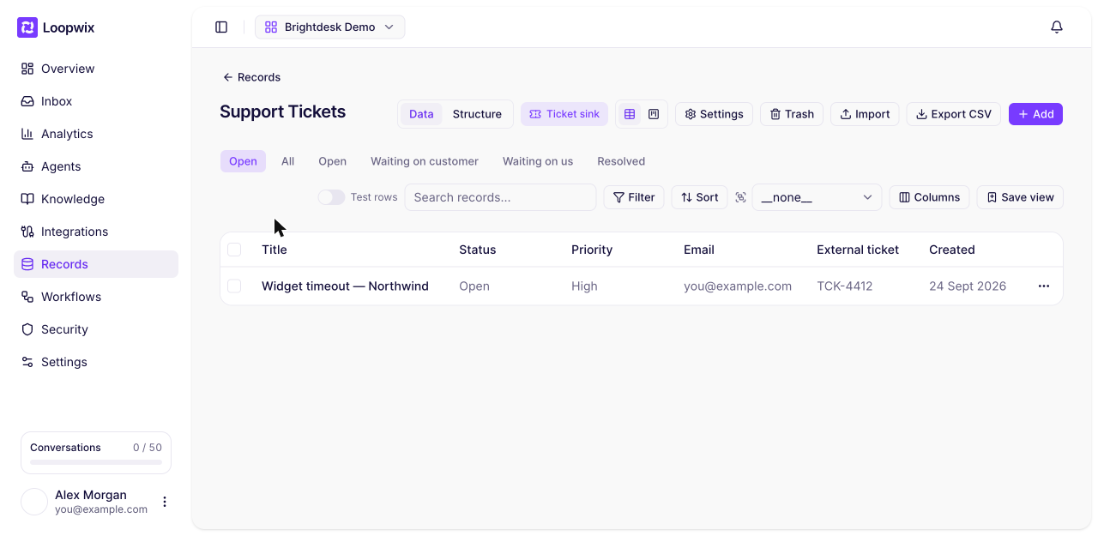
- Set up booking. For Calendly mode, connect Calendly and enable List event types, Get user availability and Create scheduling link. For Records mode, create a table from Bookings / appointments, and keep the Service, Date, Time and Notes fields.
- Build the workflow from the Book an appointment recipe in Workflow recipes. Collect the name, email, service, preferred stylist and time.
- Add salon rules to the instructions. For example: "Ask about a patch test before any colour service" and "Never promise a stylist; say we will confirm".
- Test and publish. Run the test script below, then publish the agent and install the chat.
What does a salon conversation look like?
An example in Records mode, shortened.
Client: Hi! Can I get a cut and colour with Anna next Saturday?
Agent: Lovely! A cut and colour takes about 2 hours and starts from 85 EUR. Have you had a patch test with us in the last 6 months?
Client: No, not yet.
Agent: We'll need a patch test at least 48 hours before. Could you pop in on Wednesday or Thursday for 5 minutes?
Client: Thursday works.
Agent: Great. What's your name and email, and is morning or afternoon better on Saturday?
Client: Lena, [email protected], morning please.
Agent: Thanks, Lena. I've recorded a patch test on Thursday and a cut and colour with Anna on Saturday morning. The team will confirm both by email.
Test script
| Ask | Expect |
|---|---|
| "How much is a men's cut?" | The price from your list |
| "Can I book a colour tomorrow?" | The patch test rule first |
| "Is Anna in on Monday?" | Her usual days, and no promise |
| "I need to cancel my appointment" | Your cancellation policy, then how to cancel |
| A full booking request | A Pending row, or a Calendly link |
| "Do you do bridal hair?" with no knowledge about it | An honest answer and a way to ask the salon |
Can clients choose their stylist?
Yes. In Calendly mode, give each stylist their own event type or calendar. In Records mode, collect the preferred stylist, and your staff confirm.
Can the agent take deposits?
No. The agent does not take payments. If you use deposits, Calendly can collect them on its booking page when you set that up in Calendly.
Does it work on Instagram and WhatsApp?
Yes. The same agent answers on Instagram, Messenger and WhatsApp, which are in beta.
Next steps
- Build an AI booking agent for both booking modes in detail.
- Records recipes for the Bookings table.
- Clinic appointment agent and restaurant reservations agent for other industries.
Used for: AI agent for salons and spas
Booking agent
Let an AI agent take appointment requests in chat, with live Calendly availability or a Bookings table your staff confirm. Steps, tests and FAQ.
Clinic appointment agent
Set up an AI agent for a clinic that answers practical questions and takes appointment requests, and keeps medical advice and health details out of chat.