
Agent Builder
Build agents by conversation.
The Agent Builder is an assistant that sets up your agent with you. You describe the business and the job. It drafts the identity, knowledge, rules, data, actions, channels and security. It shows each change as a card you approve or deny, and helps you test and publish.
Why use it
- You can start from a sentence, a pasted brief, a website address or files. A sentence can be as simple as "A support assistant for my online store: answer questions about orders, shipping and returns".
- It builds in a recommended order, so nothing important is skipped, and you can skip or postpone stages.
- Every important change is shown to you first as a card. Nothing customer-facing changes until you approve it.
- Everything it does can be done or edited by hand (Agents), and anything it applies can be undone.
What the builder does and does not do
| It does | It does not |
|---|---|
| Drafts your agent's profile, rules, knowledge, tables, actions, channel and security settings | Publish without your approval |
| Imports a website or files and checks them for duplicates | Ask you to paste passwords or keys into chat; credentials go into a card you fill in yourself |
| Proposes test questions, runs them and reports what to fix | Do anything you could not do by hand: it acts as you, with your role |
| Remembers important facts about your business for the conversation | Change your published agent until you approve a publish card |
Where to find it
- First visit: "What agent would you like to build?" with example starters. They are Clinic front desk, Salon & spa bookings, Restaurant reservations, Real-estate leads, Online store support and General support. Enter your idea and select Start building.
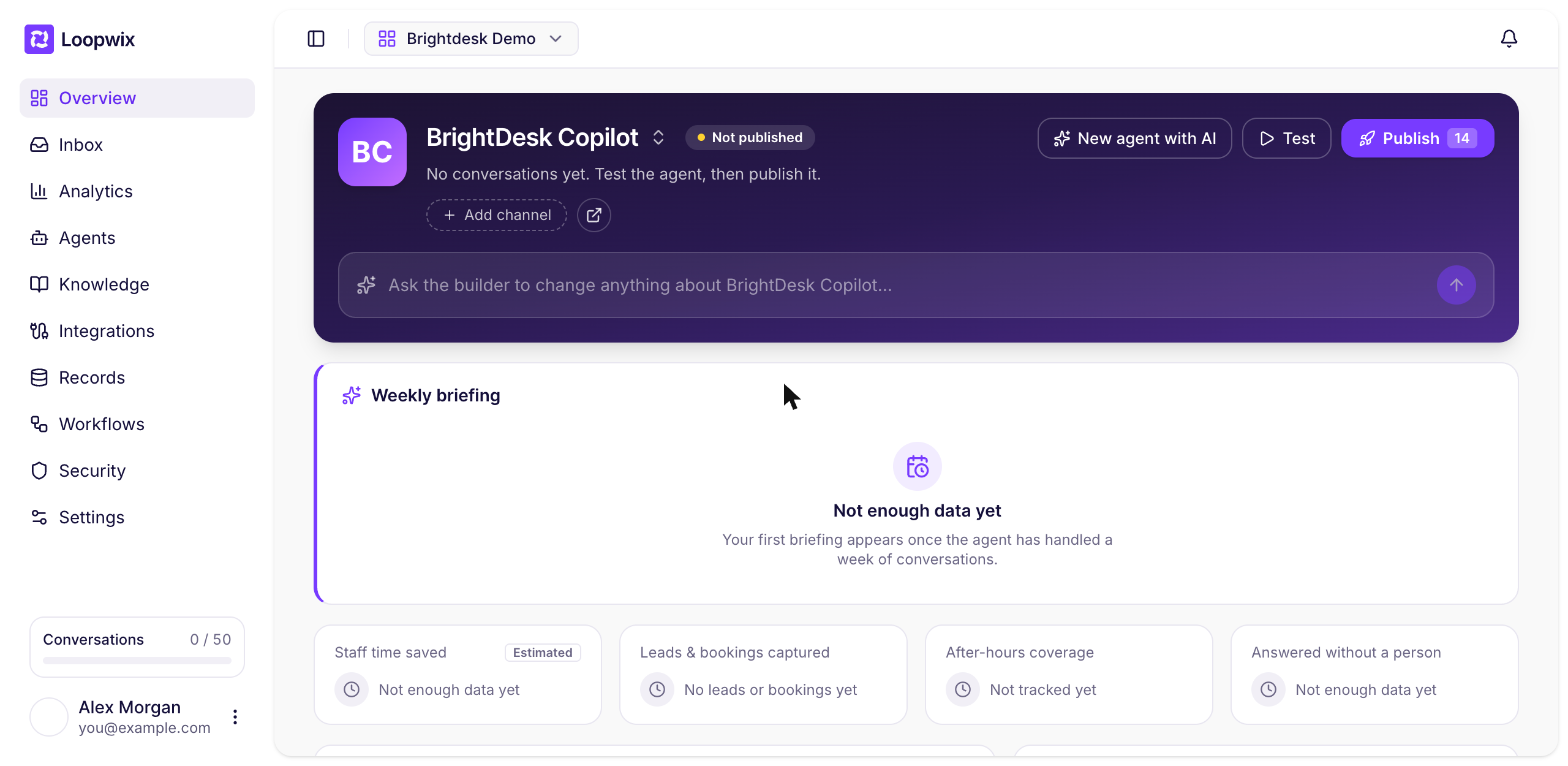
- Overview: the builder bar ("Ask the builder to change anything about …") and New agent with AI.
- Agents: Build with AI.
The setup stages at a glance
The builder follows a recommended order. Only two stages cannot be skipped.
| Stage | Goal | Can skip? |
|---|---|---|
| Profile | Name, role, short business description, tone, welcome and fallback messages, languages | No |
| Knowledge | Website import, uploads, FAQs or live sources | Yes |
| Rules and safety | What it must and must not do, and when it hands over to a person | Yes |
| Data | Tables for bookings, leads or orders | Yes |
| Actions | Workflows, integrations or MCP servers | Yes |
| Channels | Website chat first, then other channels | Yes |
| Security | Verification before personal data, and allowed websites | Yes |
| Test | Try realistic questions and fix what fails | Yes |
| Go live | Review changes, publish | No |
| After launch | Points you to the Overview; anything skipped waits in the improvement list | Appears after you publish |
Test needs Knowledge to be settled first, and Go live needs a test run first. See Build an agent with the builder.
Pages in this section
How the builder works · Build an agent with the builder · Test, publish and roll back · Permissions, usage and troubleshooting
Agents FAQ
Short answers about Loopwix agents: how many you can have, whether customers see the description, and what happens when you delete one.
How the builder works
How the Agent Builder works: the conversation, the side panel, the confirmation cards you approve, deny or edit, undo, and the explanations drawer.